Smart home interfaces decide whether a residence feels intuitive or difficult. Keypads, touchscreens, apps and voice control are not interchangeable. They serve different people, in different places, with different levels of urgency. In a premium villa in Italy, the goal is not to provide a control everywhere; it is to create a clear hierarchy.
This matters even more for international owners. The home may be used by family, guests, house staff, property managers and technicians. Some users live there; some arrive for a weekend; some only need service functions. A good interface system lets each person do what they need without exposing the whole technical system.
The issue: controls everywhere but little clarity
Smart homes become hard to use when every subsystem brings its own control. There may be one app for lighting, another for blinds, a third for audio, a thermostat interface, a gate remote, a video intercom, voice assistants and a central touchscreen. At first this looks flexible. Over time it becomes confusing.
The first design rule is to define user roles. Owners may need full control and remote supervision. Family members need everyday scenes. Guests need lights, blinds and temperature in their rooms. Staff need cleaning, service lighting and access routines. Technicians need diagnostic access, usually with limits and logs.
The second rule is to design by location. A keypad near a bedroom door should not behave like a technical dashboard. A touchscreen in the main entrance can show wider house status. An app is useful from an airport or another country, but it is not the best tool for turning on a corridor light at night.
Keypads for frequent commands
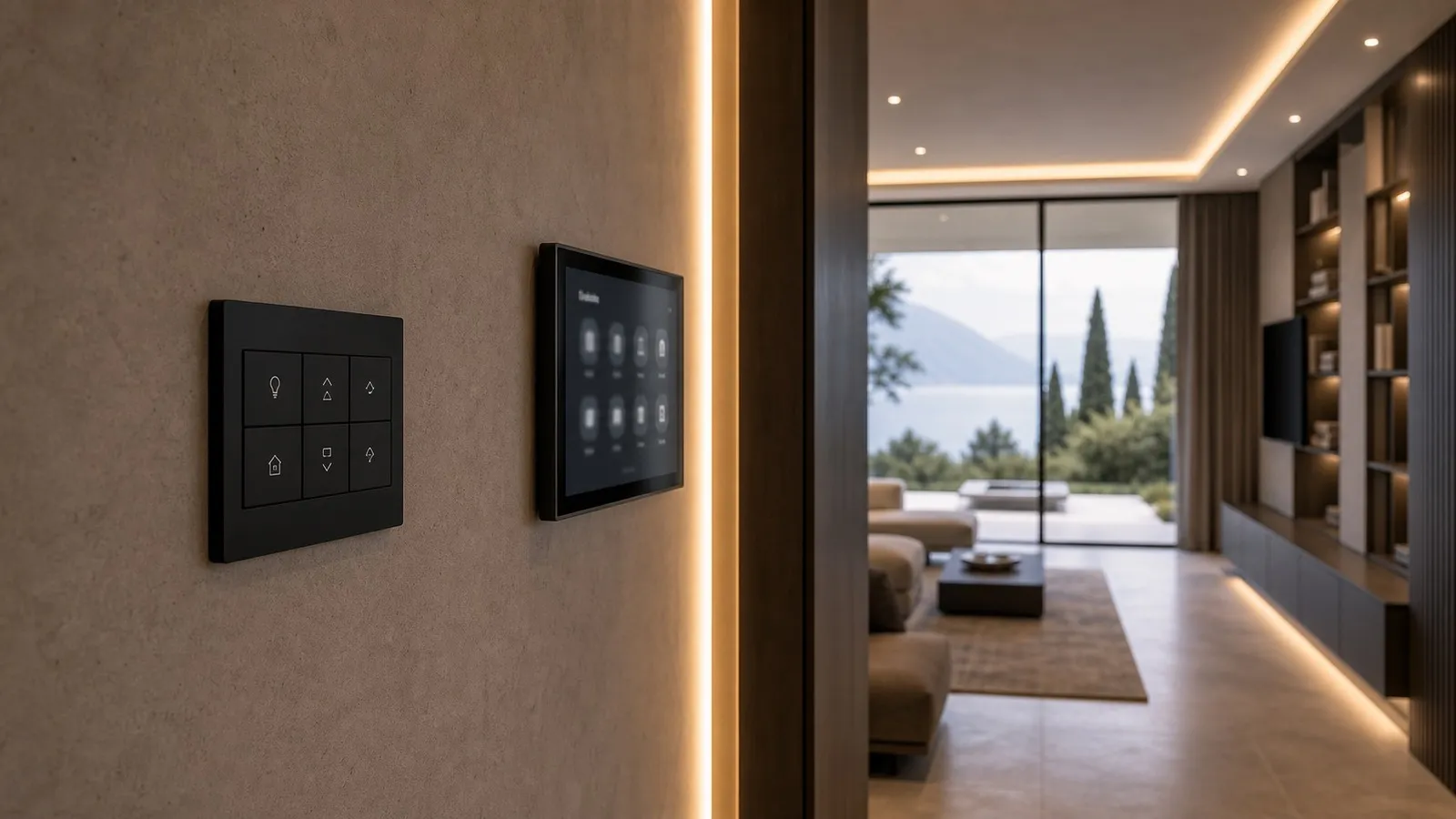
The keypad is often the most important interface because it is immediate. It should handle frequent local actions: a room scene, all-off, blind up or down, night pathway, cleaning light or privacy mode. It should have few commands, clear labels and predictable feedback.
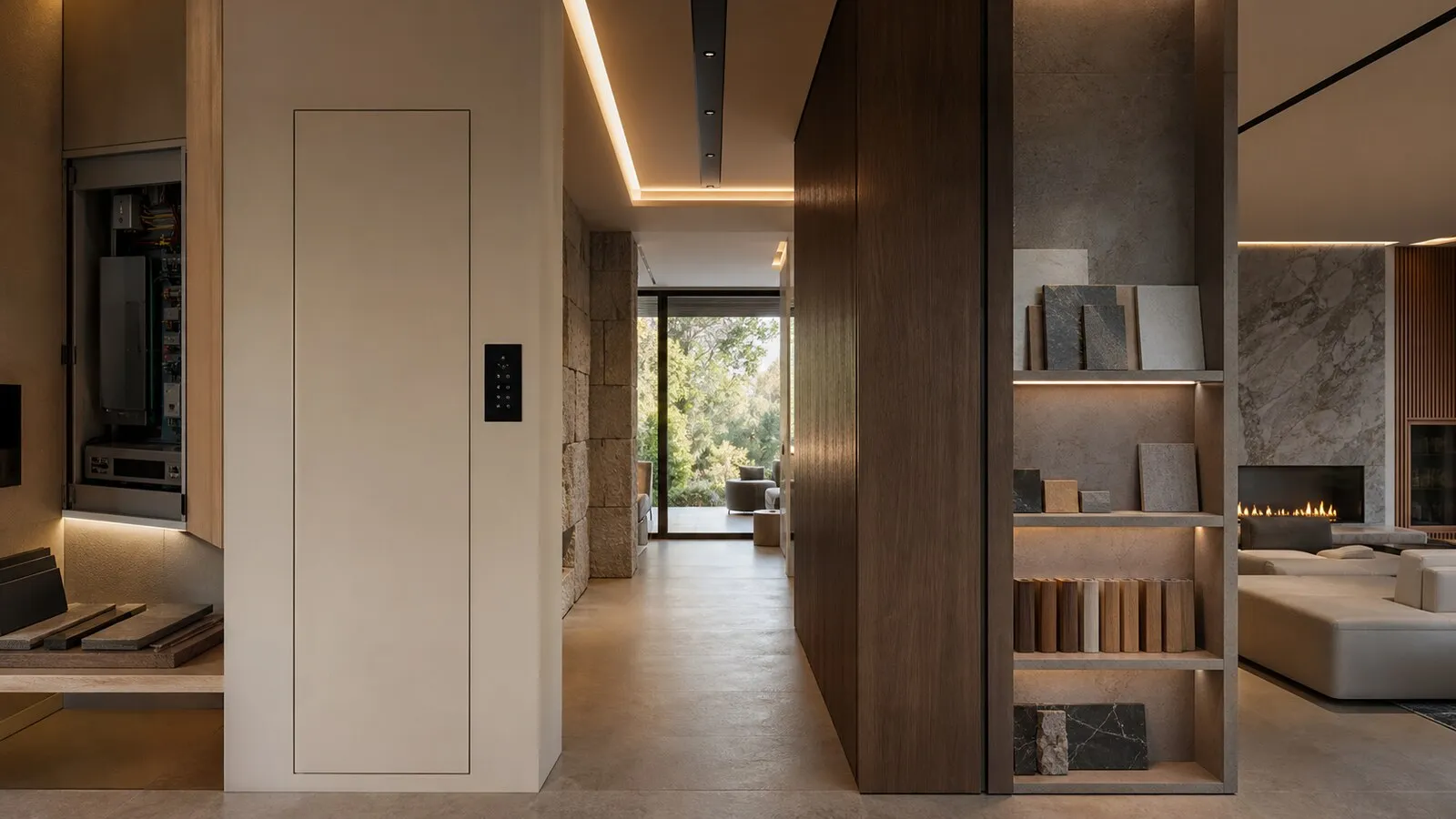
Placement is part of interior design. Height, alignment, plate finish, wall material, backlighting and relationship with doors or joinery should be coordinated before construction finishes. In a villa with stone, timber, bespoke panels or wallpaper, moving a control after installation can be expensive and visually poor.
Keypads should not become miniature control panels. Four or six well-chosen actions are usually better than a dense grid of buttons. The test is simple: would a guest understand the command without a manual? If not, it probably belongs on a touchscreen or app.
Touchscreens and apps for advanced functions
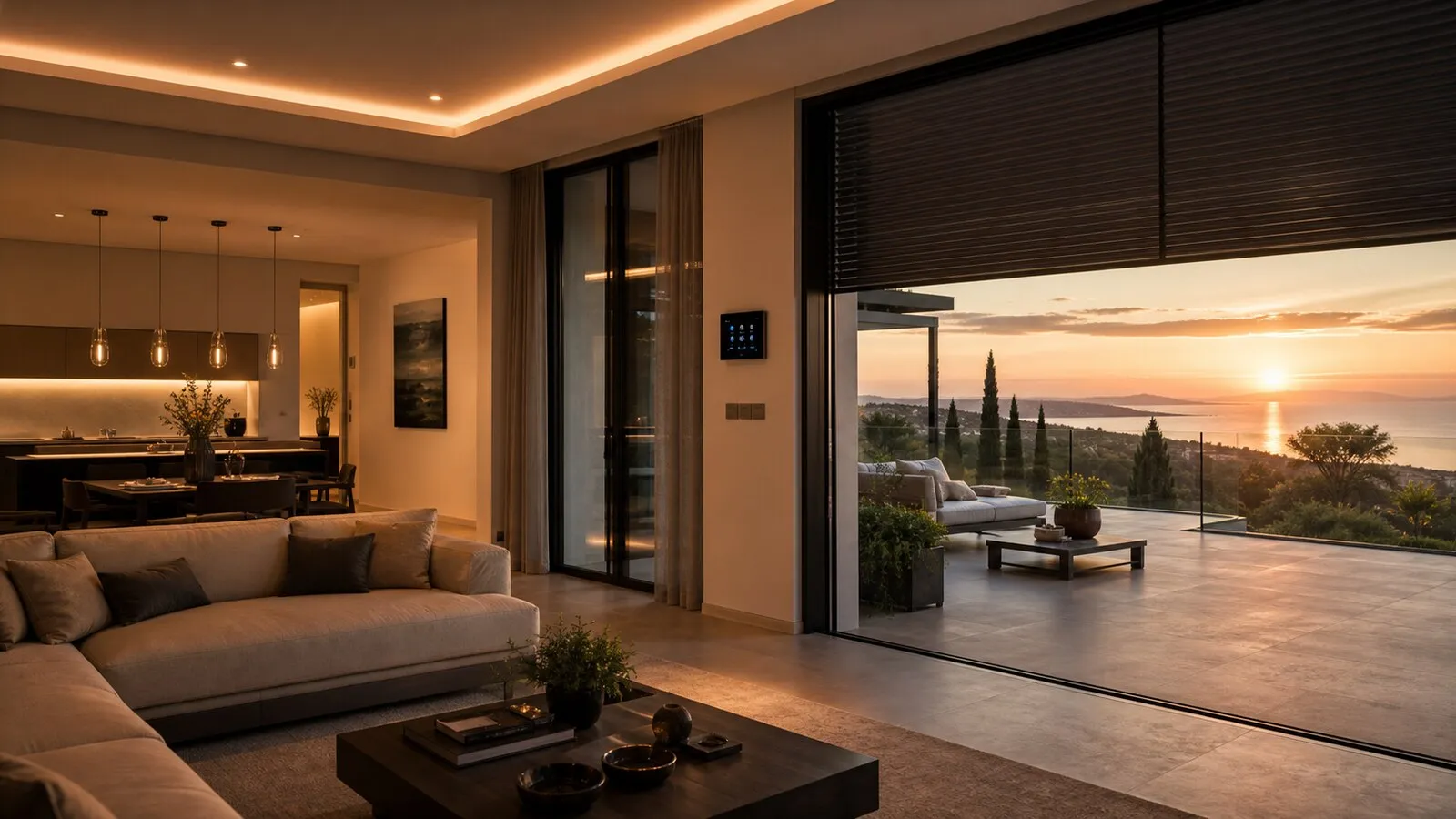
Touchscreens are useful for richer control: room status, temperatures, blinds, security states, intercom, music zones, cameras and less frequent scenes. They work well in main entrances, living areas, master suites, staff zones and technical spaces. They should support daily use, not replace every local keypad.
Apps are essential for remote supervision. A foreign owner may want to check heating, alarms, gates, cameras, exterior lights or technical alerts before arriving in Italy. The app also helps property managers and support teams. But the villa should remain usable when a phone battery is dead, a guest has no login or internet service is temporarily unavailable.
The visual structure should be restrained. Too many pages, decorative icons and unclear room names slow people down. A better interface is organized by areas, scenes and key functions, with technical settings separated from normal use.
Voice, guests and temporary scenes
Voice control is useful in selected contexts: hands occupied, accessibility needs, quick scene recalls or simple adjustments. It should not be the foundation of a professional smart home. Noise, privacy, language, accents, connectivity and ambiguous phrases make voice a supplementary interface for most premium projects.
Guests need simplicity. They should be able to use a bedroom, bathroom, blinds, lights and temperature without a long explanation. Clear keypads and simplified touchscreens work better than asking every visitor to install an app. Temporary app access can be useful, but it needs permissions and expiry.
Temporary scenes are valuable for events, maintenance, short stays and staff routines. A dinner in the garden, a service visit or a guest week may need different lighting, access and climate behavior. The interface design should allow those modes without rewriting the whole system.
Method for defining a control hierarchy
Use this practical framework:
- List users: owners, family, guests, staff, property managers and technicians.
- Define allowed, hidden and blocked functions for each user.
- Choose the primary control for each room: keypad, touchscreen, app or voice.
- Keep keypads for daily actions and move rare adjustments to richer interfaces.
- Name scenes in plain language, not technical labels.
- Test the home with someone who did not follow the project and revise anything unclear.
Elysium treats interfaces as part of the architecture of the system. The work is not complete when devices are integrated; it is complete when the house can be used naturally by the people who live in it, visit it and maintain it.
Continue reading
Related articles on NvisionGroup:
- Lighting, climate and blind scenes: smart home automation people use every day
- Control4, KNX and Matter: practical differences for a smart home
- Fragile smart homes: mistakes that make a house hard to use