A fragile smart home is not always a cheap one. It can include expensive devices, beautiful touchscreens and impressive demos, yet become difficult as soon as a password changes, an app is updated, internet drops or a technician needs to understand what was installed. Fragility usually comes from adding technology without a system design.
For foreign owners of property in Italy, this can be especially frustrating. The home may be used seasonally, maintained by local staff and supported remotely. When something fails, the owner may be in another country. A stable smart home is therefore not only about convenience; it is about serviceability.
How a smart home becomes hard to use
The first warning sign is dependence on one person. If only the original installer knows the passwords, device names, hidden gateways and scene logic, the home is fragile. If every service visit starts with guessing, the documentation is insufficient. If turning everything off requires several apps, the control strategy is weak.
The second warning sign is surprise. Lights turn on for no clear reason. Blinds move when someone wants privacy or a view. Climate settings change overnight. Notifications arrive too often to be useful. When users stop trusting automation, they disable it or work around it.
The third warning sign is poor prioritization. Not every function has the same importance. A decorative lighting scene can fail without serious consequences. Gates, technical alarms, access control, network and security functions require stricter design. A fragile smart home treats all devices as if they had the same risk.
Separate apps and automation without logic
Separate apps are one of the most common mistakes. Each device may work well alone: lights, blinds, speakers, intercom, cameras, thermostats and garden systems. The problem appears when the house grows. The owner is left with many apps and no coherent experience.
Automation without logic makes this worse. A rule created to solve one irritation can create another because it ignores presence, time, weather, security state or manual override. Switching lights off because no motion is detected may be wrong in a reading room. Closing every blind at sunset may block a terrace door or remove a view during dinner.
A premium smart home needs orchestration. Manufacturer apps may remain useful for setup and maintenance, but daily use should rely on clear scenes and interfaces. Every important automation should have a name, purpose, conditions, exceptions and a way to override it.
Network, power and critical devices
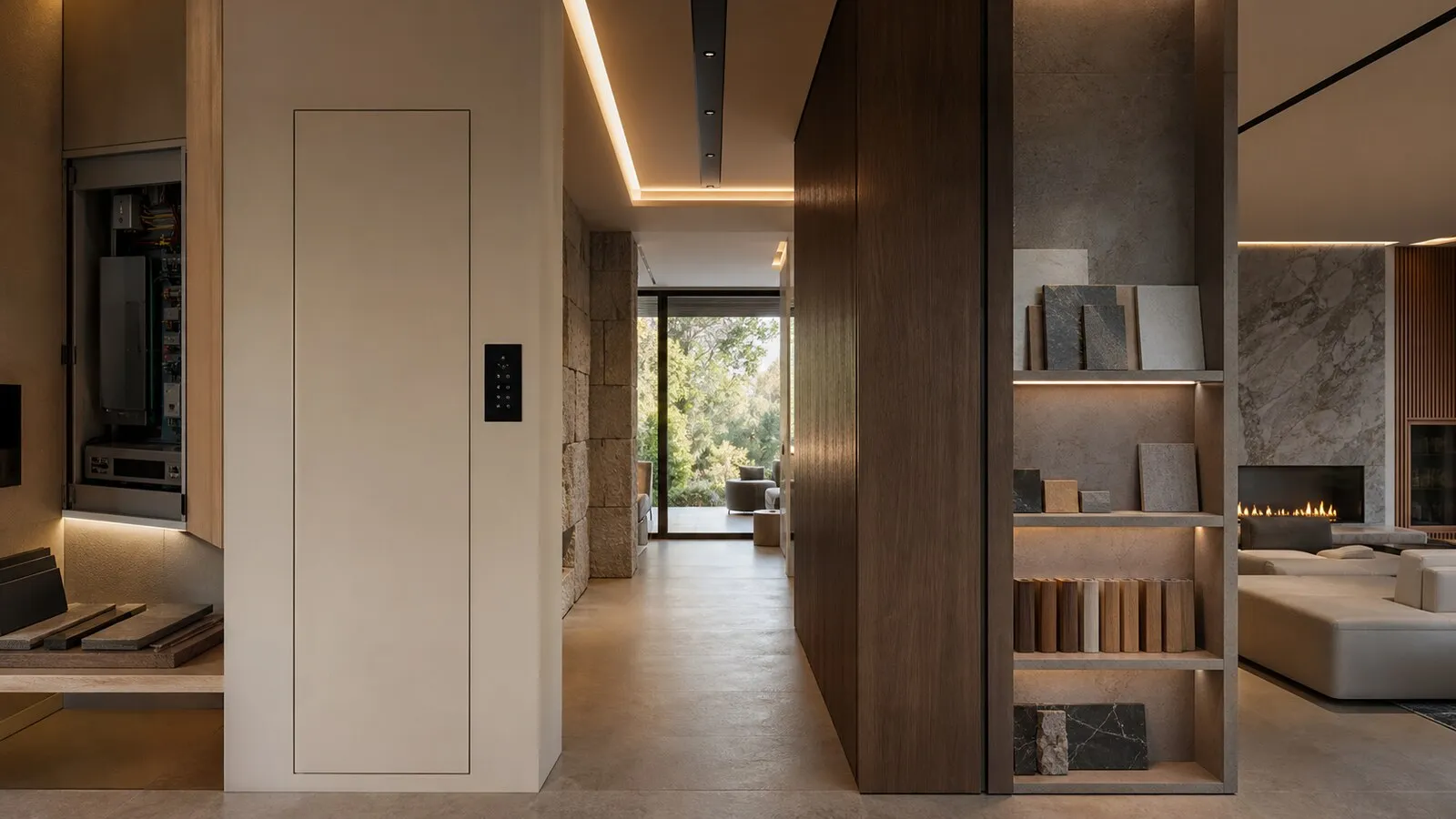
Many smart home problems are network problems. Poorly placed access points, unmanaged switches, no rack ventilation, weak outdoor coverage, critical devices on unstable Wi-Fi and no segmentation can all create unpredictable behavior. The network is not a background utility; it is the infrastructure for much of the connected home.
Power is just as important. Modems, switches, controllers, gateways, cameras, access systems and technical sensors need protected, organized supplies. Not every device needs full backup power, but critical functions need a strategy. A hidden power supply behind furniture can stop part of the house and make diagnosis slow.
Critical devices should be separated from convenience devices. An accessory sensor can be replaced easily. A gate, access control panel, security interface or core network switch requires more careful selection and documentation. The design should reflect that difference.
Documentation, updates and support
Documentation feels secondary until the first problem. Network diagrams, IP addresses, credential custody, configuration backups, device lists, firmware versions, power supply locations and scene logic are what make the system maintainable. Without them, every support intervention becomes discovery work.
Updates need policy. Some updates improve security and compatibility. Others change interfaces, break integrations or alter behavior. In an occupied villa, updates should be scheduled and understood. The owner or property manager should know what updates automatically, what is tested and what requires approval.
Remote support also needs design. Who can access the system? For how long? With what permissions and records? A premium residence should be supportable without leaving broad technical access open indefinitely. Clear procedures protect both the owner and the service team.
Checklist for a stable home
Before handover, verify these points:
- There is a map of apps, controllers, gateways and integrations.
- The network has documented switches, access points, rack layout, coverage and segmentation.
- Critical functions do not depend on undocumented consumer devices.
- Each important scene has a name, purpose, conditions, exceptions and manual override.
- Credentials, backups, diagrams and configuration files are stored securely and recoverable.
- Updates and remote support follow an agreed procedure.
- Guests and staff have limited, understandable interfaces.
Elysium focuses on reducing fragility before it becomes a service problem. The best smart home is not the one that impresses most during handover. It is the one that still works when the villa is full, the owner is away and support needs to act quickly.
Continue reading
Related articles on NvisionGroup:
- Smart home maintenance after handover: what must remain documented
- Control4, KNX and Matter: practical differences for a smart home
- Home automation for luxury villas in Italy: what to design before construction