In a villa or penthouse, Wi-Fi is not an accessory to the internet modem. It supports remote work, automation, audio video streaming, guests, security, intercoms and mobile devices. When it is not designed, the symptoms are familiar: the phone shows strong signal, but video calls freeze, music loses synchronisation, or devices stay connected to the wrong access point while people move through the property.
Professional Wi-Fi does not remove the need for wired infrastructure. It is both a radio project and a network project: properly connected access points, measured coverage, managed roaming, coherent channel planning, suitable switches and a maintenance model that works after handover.
The issue: strong signal but unstable network
Signal bars tell only part of the story. A device can see a strong signal and still experience poor performance because of interference, congestion, weak upstream links or badly managed transitions between access points. In large homes, the challenge is not only reaching distant rooms; it is maintaining a stable experience as people move between spaces.
A consumer router placed in the living room may be sufficient for a simple apartment. In a villa with multiple floors, garden, guest house, spa, garage and heavy walls, it often becomes the bottleneck. A professional network separates roles: internet access, gateway or firewall, switching, access points and cabling each have a specific purpose.
For international owners, this separation also makes support easier. A local technician or property manager can identify the affected layer instead of replacing the entire system whenever something feels unstable.
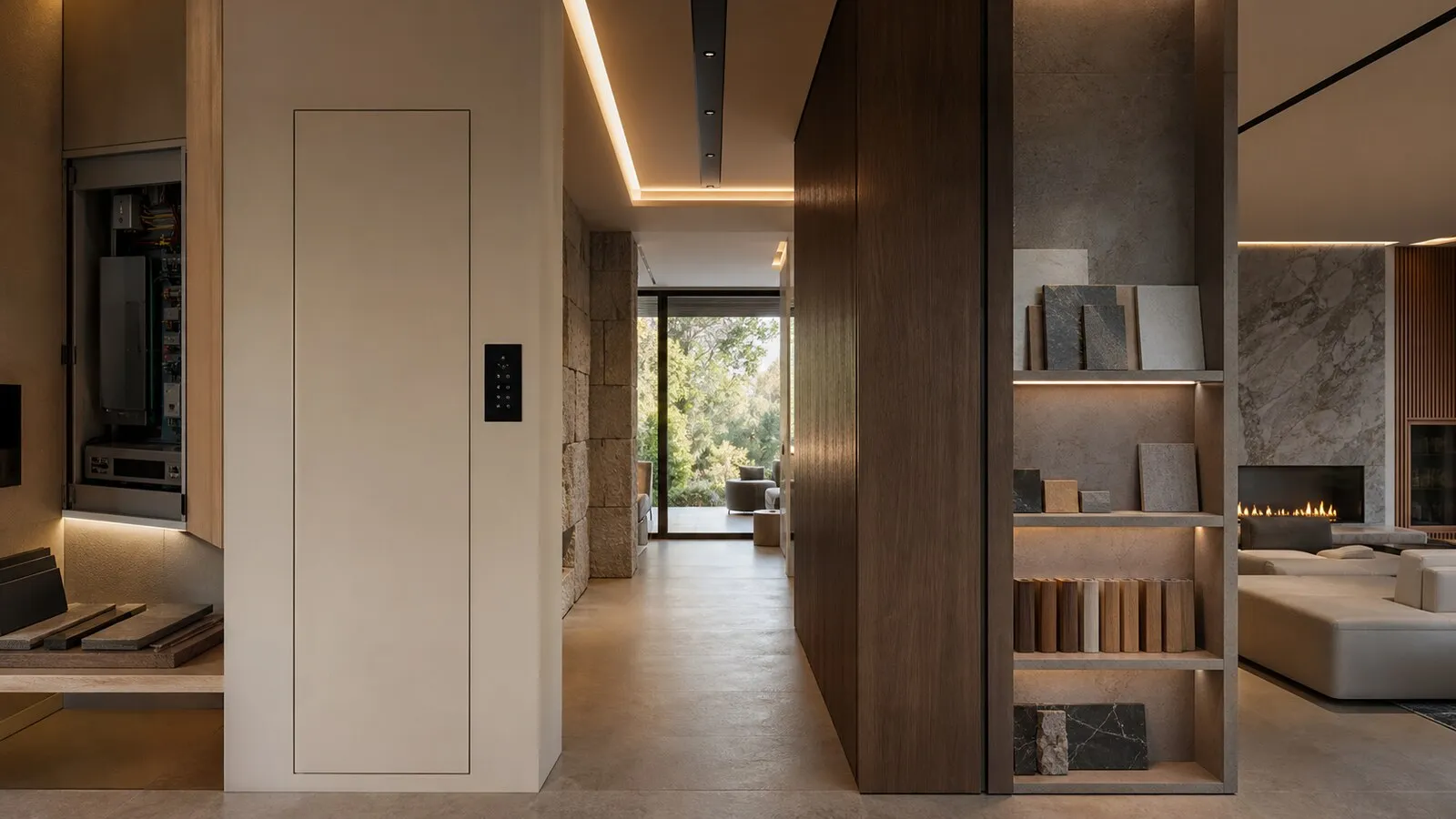
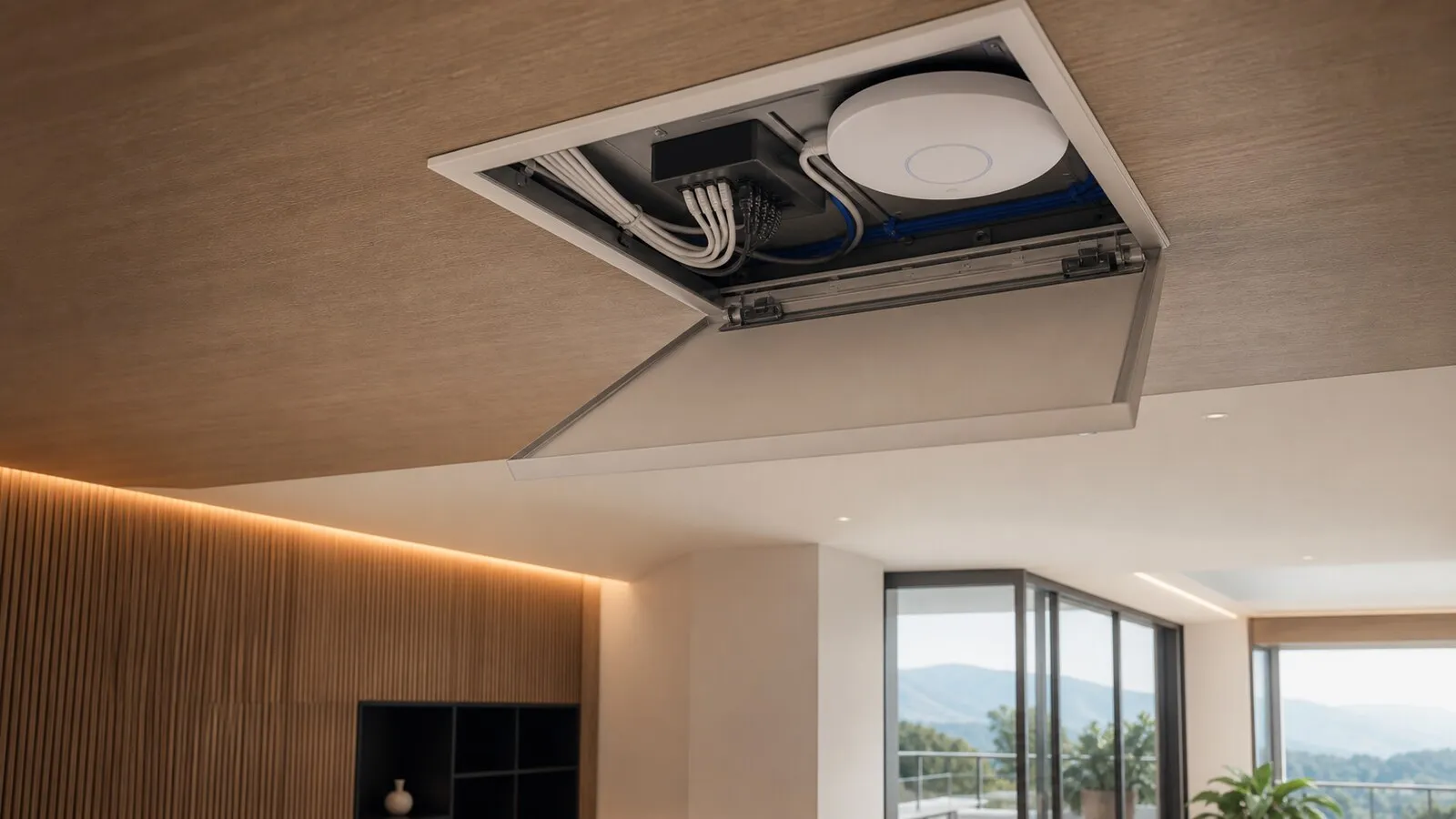
Design also has to respect interiors. Access points cannot simply be placed where installation is easiest if they disturb a ceiling, timber lining or clean architectural view. Early coordination makes it possible to find positions that are both technically effective and visually discreet.
Coverage map and home materials
Wi-Fi coverage depends heavily on materials. Stone, reinforced concrete, low-emission glass, mirrors, lifts, metal structures and large pieces of furniture can all affect the signal. A floor plan is not enough. The design should consider architectural drawings, sections, ceiling heights and, where useful, measurements on site.
During renovation, access-point positions should be decided early. A ceiling point may be technically ideal but visually sensitive; a hidden location may look better but perform poorly because of surrounding materials. The compromise should be discussed with the architect and contractor before finishes are closed.
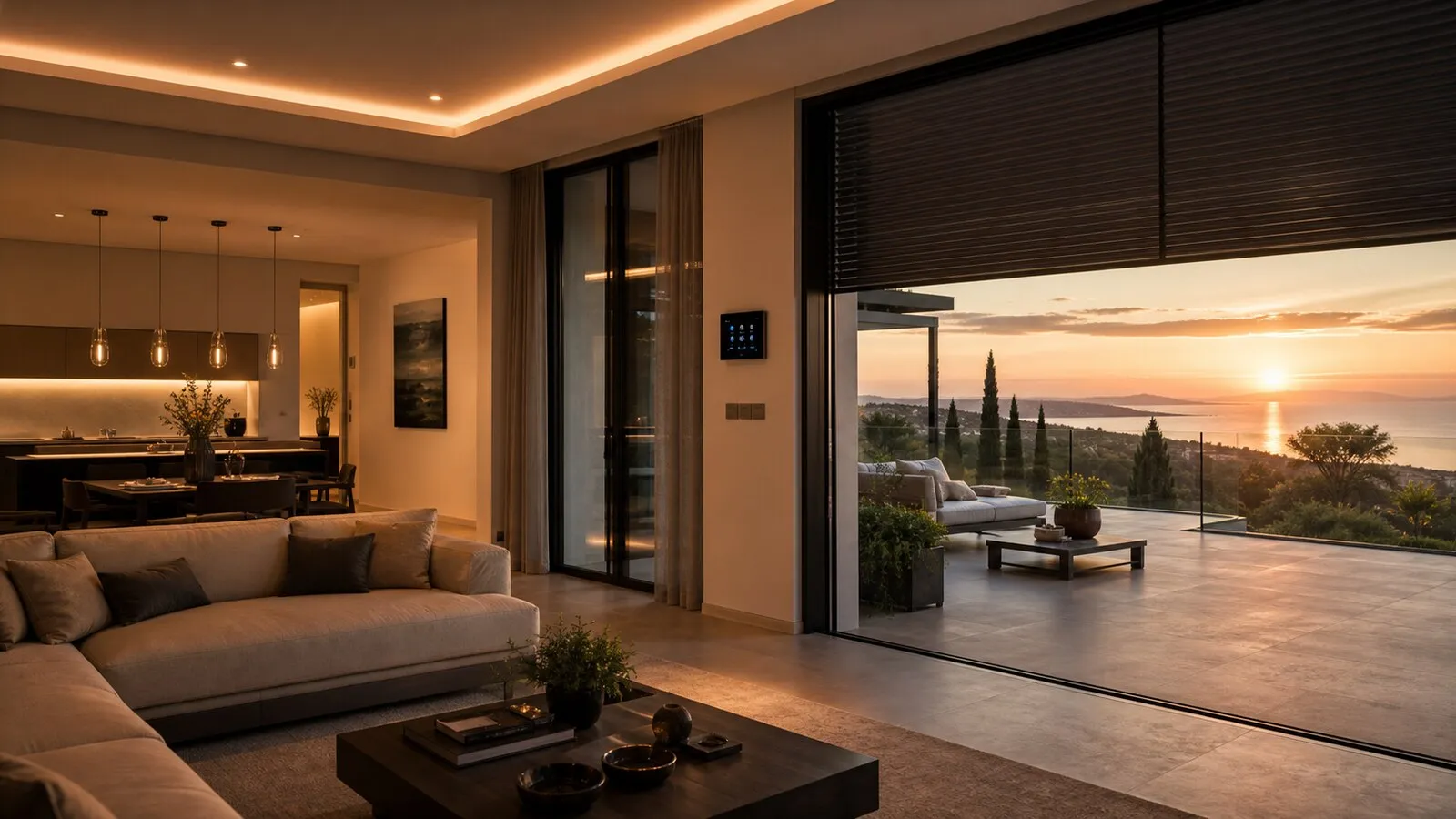
Outdoor areas need their own logic. Garden, terrace, pool and portico spaces do not necessarily require identical coverage. It is often better to provide stable service in the areas where people actually sit, work or control the home, while respecting aesthetics and installation constraints.
Access points, roaming and radio channels
Professional access points are designed to work together. Installing many units is not automatically better. Too many access points, or access points placed and configured without a plan, can create interference and make roaming worse. Roaming settings should reflect the devices, layout and density of the property.
Radio channels also need management. In an urban penthouse there may be many neighbouring networks; in a secluded villa, walls, distances and outdoor spaces may be the larger issue. Newer bands and technologies can help, but they do not replace design.
The objective is not to promise the same speed everywhere. It is to build a stable experience in the important areas, with clear priorities: work calls, home control, streaming, guest access and technical systems. Real-world testing after installation matters more than headline specifications.
Testing should include movement, not only static measurements. Walking from the bedroom to the living room during a call, moving music toward the terrace or controlling lights from the garden are more representative of daily use than a single speed reading beside an access point.
Cabling, switches and network security
The best Wi-Fi starts with wired access points. Providing data cabling and, where appropriate, PoE power allows clean installation and easier maintenance. Switch capacity and PoE budget should be selected according to the number of access points, other connected devices, possible cameras and expected growth.
Security is not just a long password. A premium home may need separate access for guests, technical devices, work and critical systems. Segmentation, including VLANs or equivalent approaches, should be evaluated carefully and should not be described publicly in operational detail. The important decisions are responsibility, access rights and maintainability.
For owners and guests, the experience should remain simple: a reliable main network, controlled guest access, remote support where agreed and clear documentation for whoever manages the property.
Seasonal homes also benefit from periodic checks. Firmware updates, new neighbouring networks and furniture changes can alter radio behaviour. A professional system should be measurable and adjustable without invasive work, especially when guests or staff rely on the network while the owner is travelling abroad.
Checklist for professional Wi-Fi
- Identify spaces where stability is critical.
- Review materials, furniture and outdoor areas before choosing locations.
- Provide data cabling for the principal access points.
- Size switches and PoE according to the project, not only day-one devices.
- Separate guest and technical access where the property requires it.
- Test coverage and roaming once the home is furnished.
Lastech designs Wi-Fi as part of the home network, not as an extension of a modem. Within NvisionGroup projects, that foundation supports automation, AV, security and everyday work without making technology visible to the people using the home.
Continue reading
Related articles on NvisionGroup:
- Electrical systems and home automation: why they must be designed together
- Structured cabling during renovation: what to prepare
- Technical rack for automation, audio and video: why it matters