A smart home depends on the network more than most owners realise. Lighting, climate, access control, intercoms, security, audio, TV, remote work and technical support all rely on connections that should remain predictable when the house is full, when power briefly fails or when a device needs replacing. Resilience is the ability of the property to continue working in a controlled way, not an abstract technical luxury.
For international owners with homes in Italy, resilience also affects peace of mind. The owner may not be on site when a fault occurs. Staff, property managers and local technicians need an infrastructure that is understandable, documented and proportionate.
The issue: a smart home depends on the network
In a traditional home, a network problem was annoying but limited. In an integrated home it can affect commands, notifications, streaming, work, remote access and service functions. That is why a professional home network is different from setting up the router supplied by an internet provider.
Good design separates internet access, wired distribution, Wi-Fi, critical equipment, guest devices and technical systems. Not everything needs the same priority and not everything should necessarily sit in the same logical area. The home should remain easy to use, but the infrastructure behind it needs order.
Documentation is part of resilience. If nobody knows which cable feeds an access point or which port serves a zone, every intervention depends on memory. Labels, diagrams and essential operating notes are part of the installation, especially for properties managed by a team.
Many premium homes are used by more than one group of people: family, guests, staff, property managers and technicians. The design must separate user simplicity from administrative complexity. The home should feel easy to live in, while the people maintaining it have clear tools and records.
Resilience does not mean making the home more complicated. It means deciding which functions are truly important, which can degrade temporarily without major inconvenience and which must be restored quickly. That hierarchy helps place investment where it matters.
Segmentation, coverage and critical devices
Network segmentation can be useful for separating guests, work, technical devices, security and automation. VLANs or equivalent approaches may be appropriate, but they should be assessed case by case according to complexity, maintenance and the level of ongoing support. A configuration that is too sophisticated for the management model can become a weakness.
Wi-Fi coverage should match critical functions. It is not always necessary to provide the same experience in every remote corner, but areas used for work, home control or access management should be stable. Wired access points placed with care are often preferable to improvised repeaters.
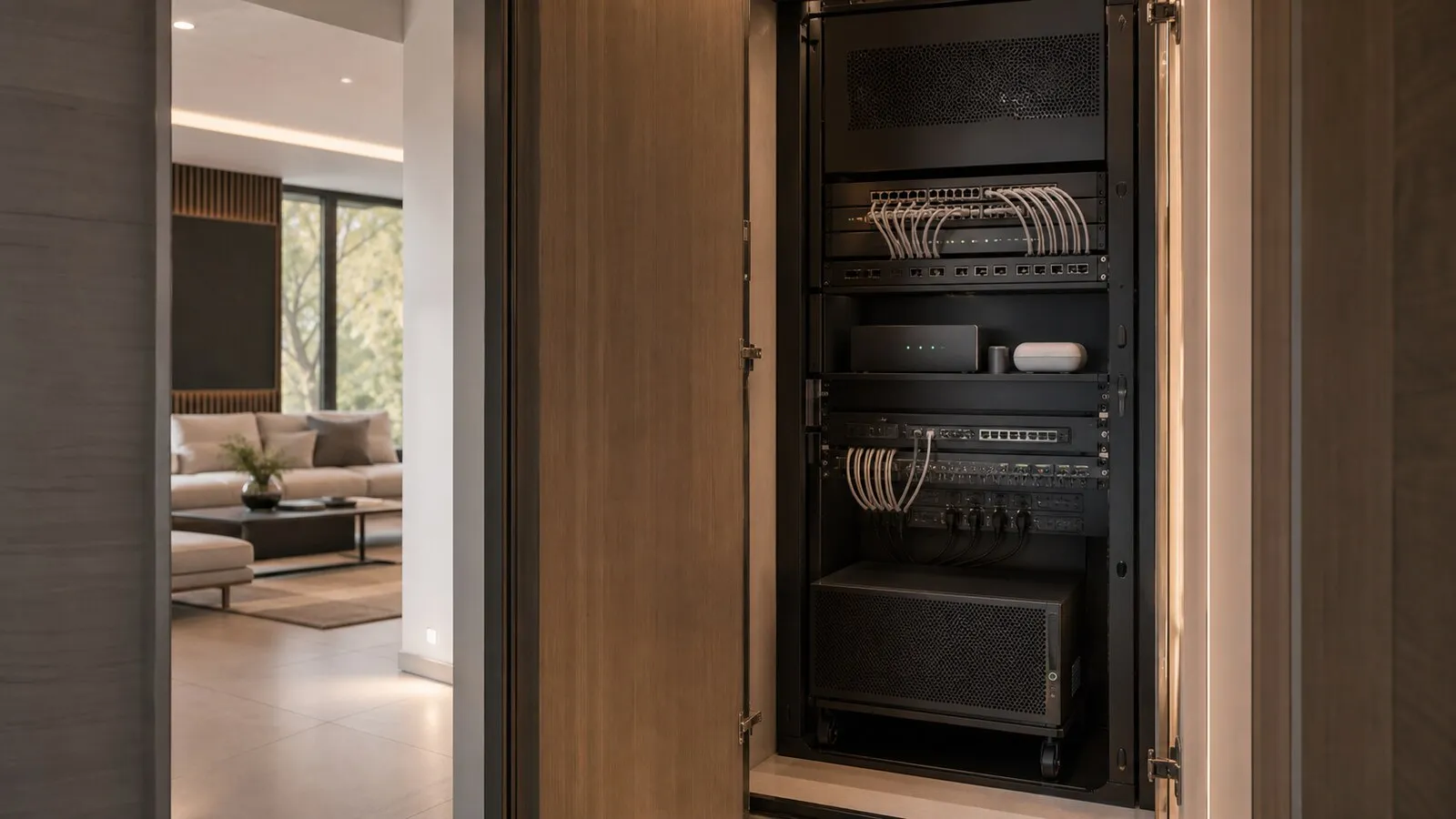
Critical devices should be identified: automation gateways, principal access points, switches, security equipment, intercoms and supervision systems. The list changes from property to property. The important point is to know which elements need power, monitoring and service access.
UPS, power and internet continuity
A UPS can help network, security and automation equipment survive short interruptions or avoid uncontrolled shutdowns. It is not an absolute guarantee and should not be chosen casually. Runtime, load, location, battery maintenance and connected devices all depend on the project objectives.
Internet continuity should also be considered. In some homes, a secondary connection or backup strategy may be appropriate; in others, a predisposition for future improvement is enough. The decision should be proportionate to remote work, staff presence, security requirements and periods when the property is unoccupied.
Power distribution should be orderly. Racks, switches, power supplies and gateways should not depend on random sockets or hidden extension leads. Protection, lines and internal distribution need to be coordinated with the electrical design.
Security, automation and remote access
Digital security in a smart home is a matter of balance. Remote access, maintenance, apps and integrations are useful, but they should be configured with clear responsibilities and managed by authorised people. Detailed technical information should not be published; it belongs in private project documentation.
Automation should keep essential functions available as much as the chosen technology allows, even when a cloud service is slow or the external connection is unstable. For this reason, it is worth deciding which logic should remain local and which can depend on external services.
Guests need a simple, separate experience. A guest network with controlled access, updateable credentials and limited visibility of domestic services is often prudent. The exact configuration remains part of the private project.
Periodic maintenance is what keeps security and resilience aligned. Updates, access reviews, UPS battery checks and documentation revisions are not glamorous, but they reduce the chance that small accumulated changes make the system hard to manage.
Responsibilities should also be explicit. Owners, staff, property managers and integrators should not necessarily share the same access level or operational information. A clear process protects the property and makes support easier when the owner is away.
Checklist for designing resilience
- List the services that should remain available during a fault.
- Identify critical devices and the connections that must be documented.
- Evaluate UPS, PoE and dedicated power according to real loads.
- Separate guests, work and technical devices where the project requires it.
- Provide remote support through controlled and revocable access.
- Keep diagrams and operational credentials updated as part of maintenance.
Lastech designs network resilience as everyday infrastructure, not as a list of devices. Within NvisionGroup projects, these choices support security, automation and comfort while keeping the complexity out of sight for owners, guests and staff.
Continue reading
Related articles on NvisionGroup:
- Access control in a private residence: gates, doors and scenes
- Intrusion systems for smart villas: integration without fragile automation
- Smart home predispositions: what to decide before walls are closed